There is surprisingly no native way to configure DNS servers in Intune. Not to worry, this PowerShell script takes care of this.
In the example below I have used CloudFlares anti-malware DNS servers. The change only applies to physical network adapters (not VPN, for example).
$dnsServers = '1.1.1.2', '1.0.0.2'

foreach ($c in Get-NetAdapter -Physical) {
    Set-DnsClientServerAddress -InterfaceIndex $c.ifIndex -ServerAddresses $dnsServers
}
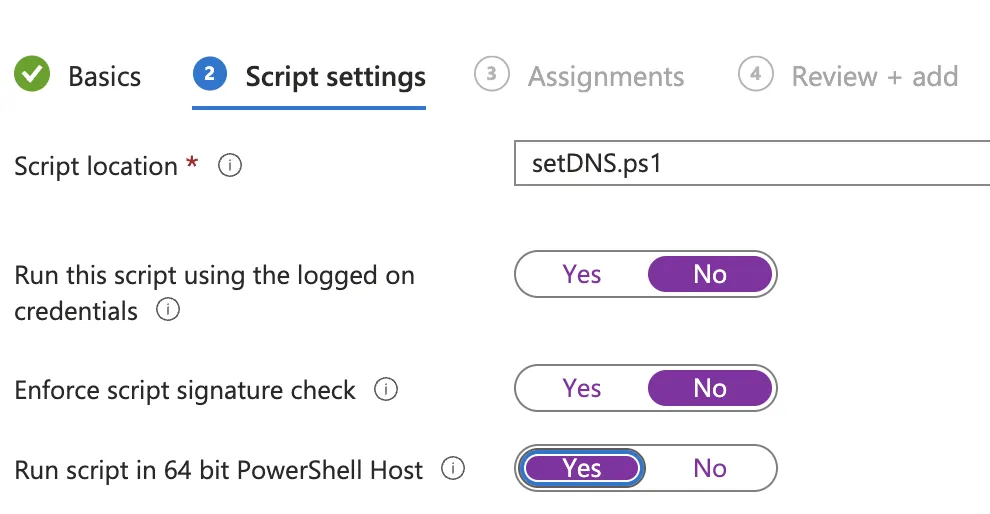
In Intune, I have configured the PowerShell script like this: